Biometric attendance for gyms: connect a fingerprint or face reader
Connect a fingerprint or face reader at your gym door to CoachFit. Members check in with a finger, attendance is marked by itself, and members whose plan has ended are kept out.
In this video
Which readers work: eSSL and ZKTeco fingerprint and face readers
Add the reader and point it at CoachFit
Every member gets a number to enrol on the reader
Check-ins are marked automatically, the moment they punch
Members whose plan has ended are locked out, with grace days if you want them
See which members are on the reader and which are not
Every way to take attendance at your gym: mark members in at the desk, mark several at once, let members check in from their phone, and stop proxy check-ins with a desk code.
Give your team their own sign-in with only the access they need. Invite staff on WhatsApp as a co-owner, admin, manager or viewer, and choose which branches each one can see.
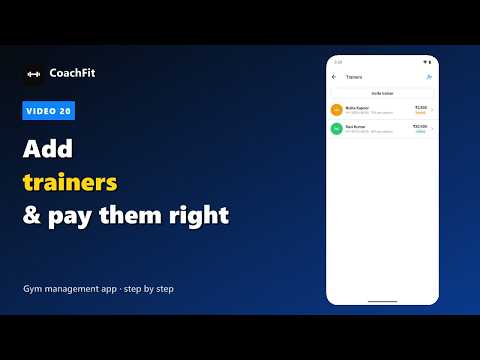
Manage your trainers properly: invite them, pay a salary, a share of every PT session or both, see exactly what you owe each one this month, and assign members to them.
Stop chasing members for fees. CoachFit sends WhatsApp reminders before and after a membership ends, money-owed reminders, welcome messages, receipts and birthday wishes by itself.
Run personal training without a register. Sell a PT package at the desk, let members choose session times in the app, agree them with the trainer, and mark sessions done.
Proper GST tax invoices for every gym payment, and a clean way to fix mistakes: view a bill, correct a payment entered wrongly, and refund one with a credit note.
 4:25
4:25