 2:00
2:00Reports and branches
Gym reports: revenue, attendance and payment methods
Know exactly how your gym is doing: revenue after refunds, check-ins and active members for any period, which plans sell, and how members pay — right from your phone.
Run every branch of your gym from one app. Add branches, switch between them in a tap, keep members, fees and attendance separate for each, and see every branch together.
2:00Reports and branches
Know exactly how your gym is doing: revenue after refunds, check-ins and active members for any period, which plans sell, and how members pay — right from your phone.
 3:01
3:01Grow your gym
Earn more from your gym counter. List supplements and merchandise in CoachFit, let members order from the app, and hand orders over at the counter, with stock and revenue tracked.
 2:59
2:59Grow your gym
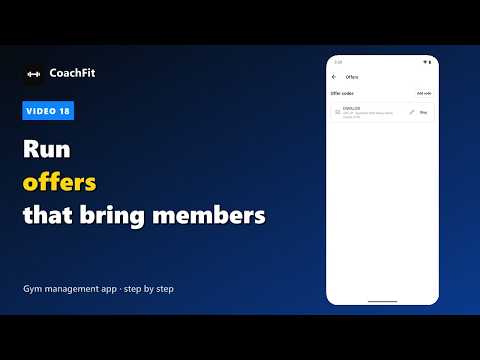
Run festival offers that bring members in. Create a code like DIWALI20 for your poster or Instagram, limit it to longer plans, cap how many can use it, and watch it work.
 3:39
3:39Grow your gym
Turn walk-ins and calls into members. Record every enquiry, set a follow-up date, book a trial, and convert the lead into a member when they join — nothing slips through.
 3:53
3:53Member app
Let members renew without coming to the desk. They choose a plan in the app and pay by UPI or online, the gym confirms it, and the receipt arrives on WhatsApp.
 3:12
3:12Member app
What your members get on their phone: sign in with their WhatsApp number, check in at the gym, see their membership and days left, and follow the workout and diet plan you gave them.