How to add a gym member: plan, extras, part payment and dues
Add a new member at the desk in under a minute: their details and photo, the plan and start date, any extras, and the joining payment — paid in full, in part, or as a due.
In this video
Name, mobile number and a profile photo
Choose the plan and the day it starts
Add extras such as cardio or personal training
Record the joining payment, with a discount if you give one
A part payment leaves the rest as a due on their profile
The member gets a welcome message and a receipt on WhatsApp
Renew memberships at the desk without mistakes. Choose the plan and start date, add extras or an offer code, and record the payment — even a part payment that becomes a due.
Everything about one member in one place: edit their details, pause their membership when they travel or are injured, see their bills and payments, and every visit they have made.
Let new members join your gym from their phone. Share your joining link or print the QR code; they choose a plan, pay by UPI or pay at the desk, and you approve them in a tap.
Know exactly who owes your gym money. The Fees tab lists members about to expire, those who already have, and every pending due — with one-tap WhatsApp fee reminders.
A tour of the CoachFit dashboard: today's numbers at a glance, renewals due, expired members, money owed and collected, and where every option in the menu takes you.
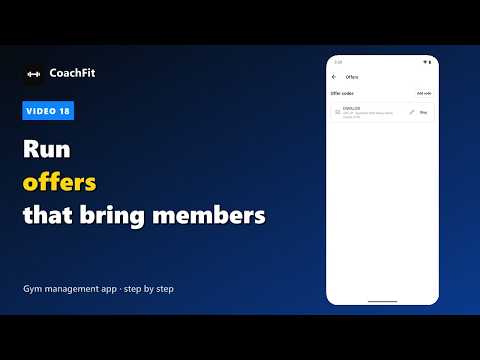
Run festival offers that bring members in. Create a code like DIWALI20 for your poster or Instagram, limit it to longer plans, cap how many can use it, and watch it work.
 3:14
3:14