Set up your gym on the CoachFit web app in a few minutes. Sign in with your WhatsApp number and a PIN, name your gym and its first branch, set your membership prices, and choose how members pay you, by automatic payments or your own UPI. Then a short tour of your dashboard.
Make CoachFit run your gym your way. Add your logo and GST details for proper tax invoices, set the gym rules for workout time, expiry and pauses, manage branches, and choose how members pay you.
Open the CoachFit web app and know how your gym is doing in five seconds. Twelve tiles for money, members and activity, for today, this week, this month or any dates, and every tile opens the list behind it.
Set up everything your gym sells in one place: monthly to yearly membership plans, extras like Zumba or a locker, personal training packages with a late-cancel window, and class passes for people who only come for classes.
Share the work without sharing everything. Give your manager or receptionist a login by their WhatsApp number, pick their role — co-owner, manager or receptionist — choose which branches they can open, switch off what they should not see under What they can see, and hand the gym over if you ever sell it.
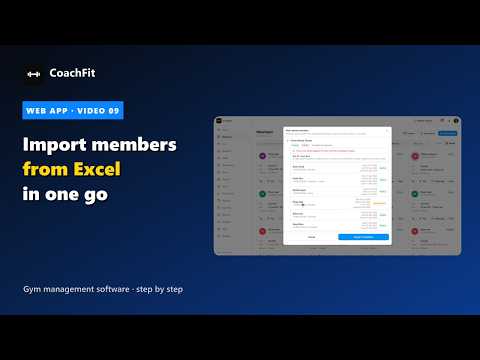
Moving from a register or another app? Download your gym's own template, fill in your members, and upload it. CoachFit checks every row before anything is saved, flags mistakes, and imports the rest with their plans, dates and dues.
Let new members join without a form at the desk. Share your joining link or QR code; they fill in their details, pick a plan and extras, pay you on UPI from their phone, and you accept them in one click once the money is in.
 3:49