 6:01
Web app · Fees and payments
How to correct a gym payment: wrong amount, date or method
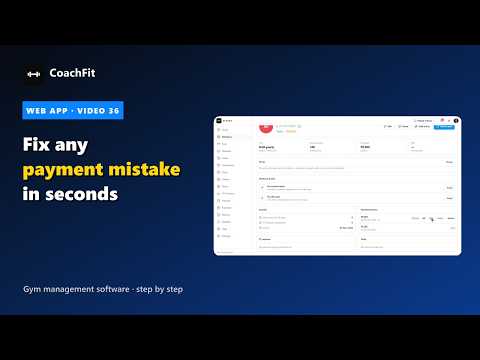
Typed the wrong amount, the wrong day, or cash for UPI? On the CoachFit web app you can correct any payment in seconds: fix the day and method, lower an amount and keep the rest owed or let it off, raise one that was entered short, and delete a payment entered by mistake. Every change is logged, and the bill and reports follow.