Need your gym’s figures for your accountant, a partner or the bank? On the CoachFit web app, Download reports puts every report in one Excel file, a tab for each: every transaction with the member, every member with their end date, income month by month, money owed, GST and more, for this month, any month, a financial year or any dates you choose.
In this video
Download reports, beside Transactions
The period: this month, last month, any month, a financial year, or any dates
What each tab holds: summary, transactions, members, income month by month and more
See how your gym is really doing. CoachFit's reports show check-ins, unique members and revenue for any dates, by day, week or month, with what each plan brought in, how members paid, every branch side by side, and the GST summary for your return.
Know what your gym really makes. Record rent, bills, repairs and supplies on the CoachFit web app, see where the money went by kind, have trainer and staff pay counted in automatically, and see your profit on the dashboard: collection, less everything spent.
Run every branch of your gym from one CoachFit account. Add a branch, choose what it sells and where its UPI money goes, open it with its own plan, switch between branches from the top of the screen, and see all of them together in Reports.
See every payment your gym took on the CoachFit web app: taken at the desk and by whom, paid in the member app, through the joining link, online, or by automatic renewal. Filter it, total it, and open the change log to see who edited, deleted or refunded a payment, from what to what, and why.
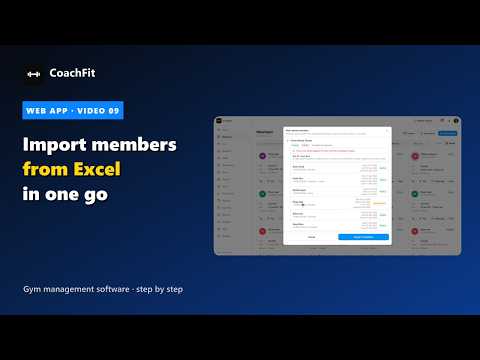
Moving from a register or another app? Download your gym's own template, fill in your members, and upload it. CoachFit checks every row before anything is saved, flags mistakes, and imports the rest with their plans, dates and dues.
Sell supplements and merchandise from your gym. Add products on the CoachFit web app with your price, MRP, category and stock, let members order from their phone, then mark the order ready and collected at the counter, with the sale and stock recorded for you.
 2:12